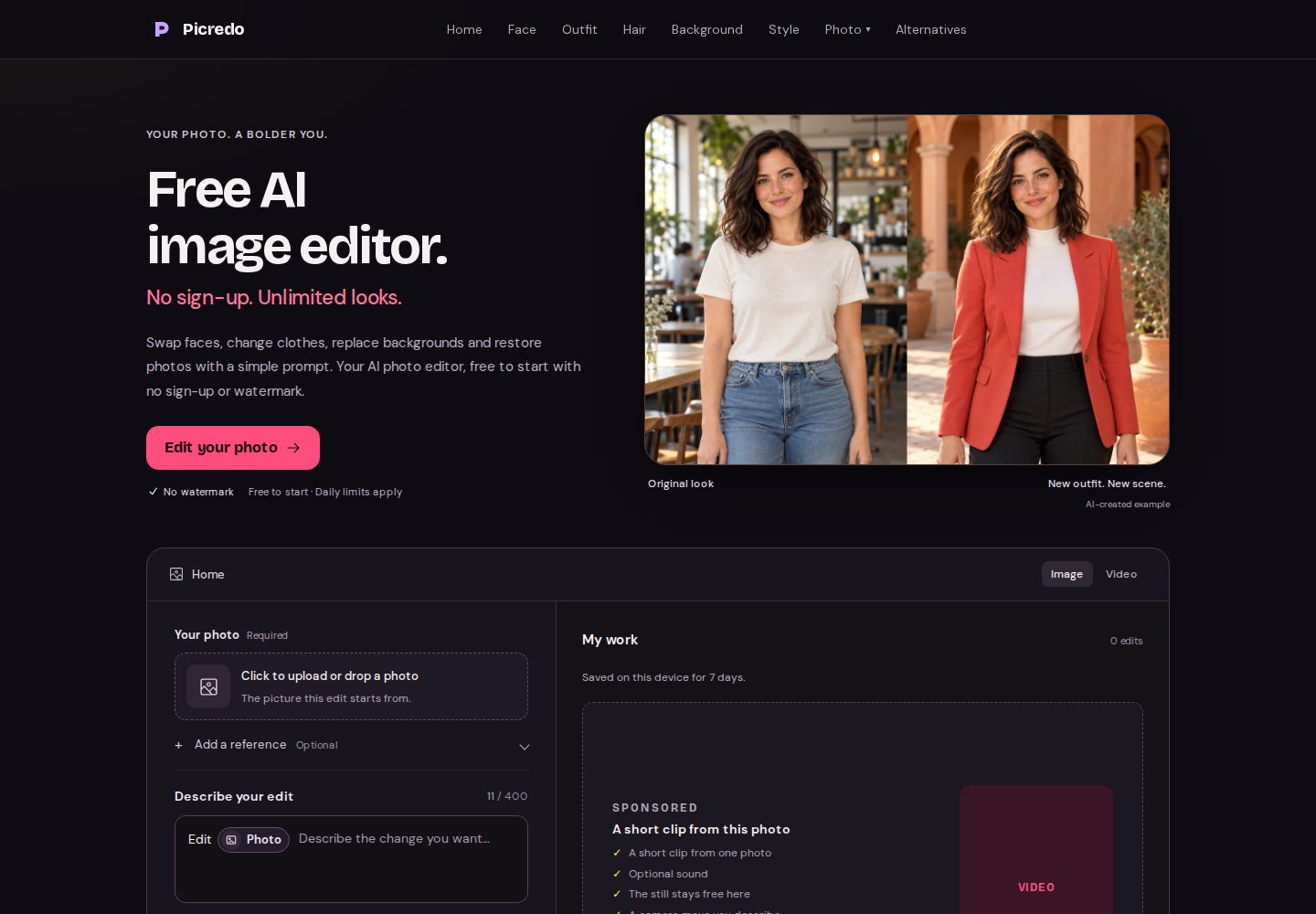
Bring a photo and describe the change
Picredo is a good fit when you already have a picture and want to try another look. Upload your photo, describe a new outfit, hairstyle or background, and use the same editor to keep refining the result. A second reference photo is optional for ordinary edits, so you can point to a look rather than describe every detail.
Face swap has its own two-photo setup: the face you want to use and the target picture. Headshots, photo restoration and style changes sit alongside it, making this a useful place to try several edits without moving between apps. Only use photos you have permission to edit.
Free to start, without an account
Photo editing starts without an email address, account or card, and the site advertises no watermark on the pictures. Daily limits and queue waits still apply. The headline’s unlimited looks describes creative possibilities; it does not mean unlimited daily generations.
There is no Picredo subscription to choose from. The Video option opens a partner offer instead of rendering a clip inside Picredo. Photo editing and the partner’s video service have separate terms and access requirements.
Keep working from a result you like
Recent edits appear in My work on the browser you used. You can reopen a picture, download it, or continue editing from a result instead of starting the upload again. A short follow-up instruction lets you refine the chosen image.
Generative edits can change details beyond the one you named, so a clear instruction and a suitable source photo matter. For a face swap, start with a face that is easy to see and a target with the angle you want. Treat the result as a new image to inspect before you share it.
Private browsing, with links to look after
Your edits are not posted to a public gallery or feed. My work keeps recent links on that device for seven days, which is convenient for returning to a project without an account. Download the pictures you want to keep.
Anyone who has an image link may be able to view it. The seven-day browser history is not a guarantee that the stored image is deleted after seven days; keep links private and use the removal contact when you need an image taken down.
Who Picredo suits
Try Picredo if you want to experiment with an existing photo without signing up: a different outfit, a fresh profile picture, an alternate setting or a restored old image. It is an easy starting point for still-photo edits, with the limits stated before you commit to a workflow. If your main goal is video, plan around the separate partner offer.